Instagram Reels & TikTok Safe Zones (2026)
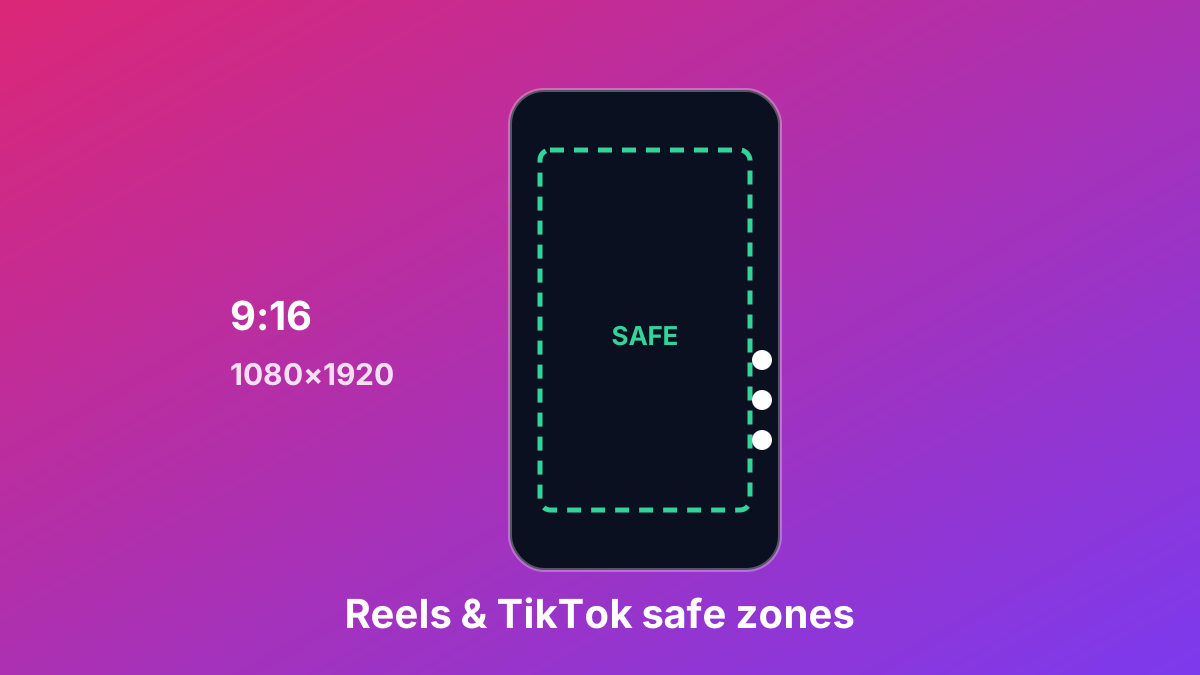
Vertical video fills the screen, but the platform's own interface sits on top of it — the caption, username, sound label and the row of like/comment/share buttons. Put important text or your subject in those areas and it gets covered. The "safe zone" is the central region that stays clear.
The canvas
Reels, TikTok and Shorts all use a 9:16 frame at 1080×1920. Design to that size and export at full resolution.
What overlaps the frame
- Bottom — caption, username and sound/music label. This is the biggest hazard; keep text well above the lower portion.
- Right side — the vertical action rail (profile, like, comment, share). Keep subjects and text away from the right edge.
- Top — status/tabs on some screens. Leave a margin at the very top.
Because the exact overlay positions shift with app updates and device notches, the reliable approach is to keep essential content in the centre and preview it against the interface before you post.
Standard sizes at a glance
| Platform | Aspect ratio | Export size |
|---|---|---|
| Instagram Reels / Stories | 9:16 | 1080×1920 |
| TikTok | 9:16 | 1080×1920 |
| Instagram Feed | 1:1 or 4:5 | 1080×1080 / 1080×1350 |
| YouTube Shorts | 9:16 | 1080×1920 |
Check it before you post
The Social Media Safe Zone Checker overlays each platform's caption and button areas on your image, shows the safe zone, and exports the correct size — so nothing important ends up hidden.
Platform specifications verified August 2026. Layouts change with app updates — always preview before posting.
Sources
Ready to do it?
Open the Social Media Safe Zone Checker