Tools used in this post
Every time you press the shutter on a smartphone or digital camera, the device quietly writes a block of invisible information into the image file. This hidden data is called EXIF (Exchangeable Image File Format), and most people have no idea it exists — let alone that it can reveal exactly where they live.
For professional photographers, EXIF is useful: it records the settings behind every shot. But for everyday users posting to marketplaces, forums, and personal blogs, that same data is a genuine privacy liability. A single photo taken in your living room and uploaded to the wrong site can hand a stranger your home's GPS coordinates. This guide explains what is hidden in your photos, why it matters, and how to strip it before you share.
What information is hidden inside your photos?
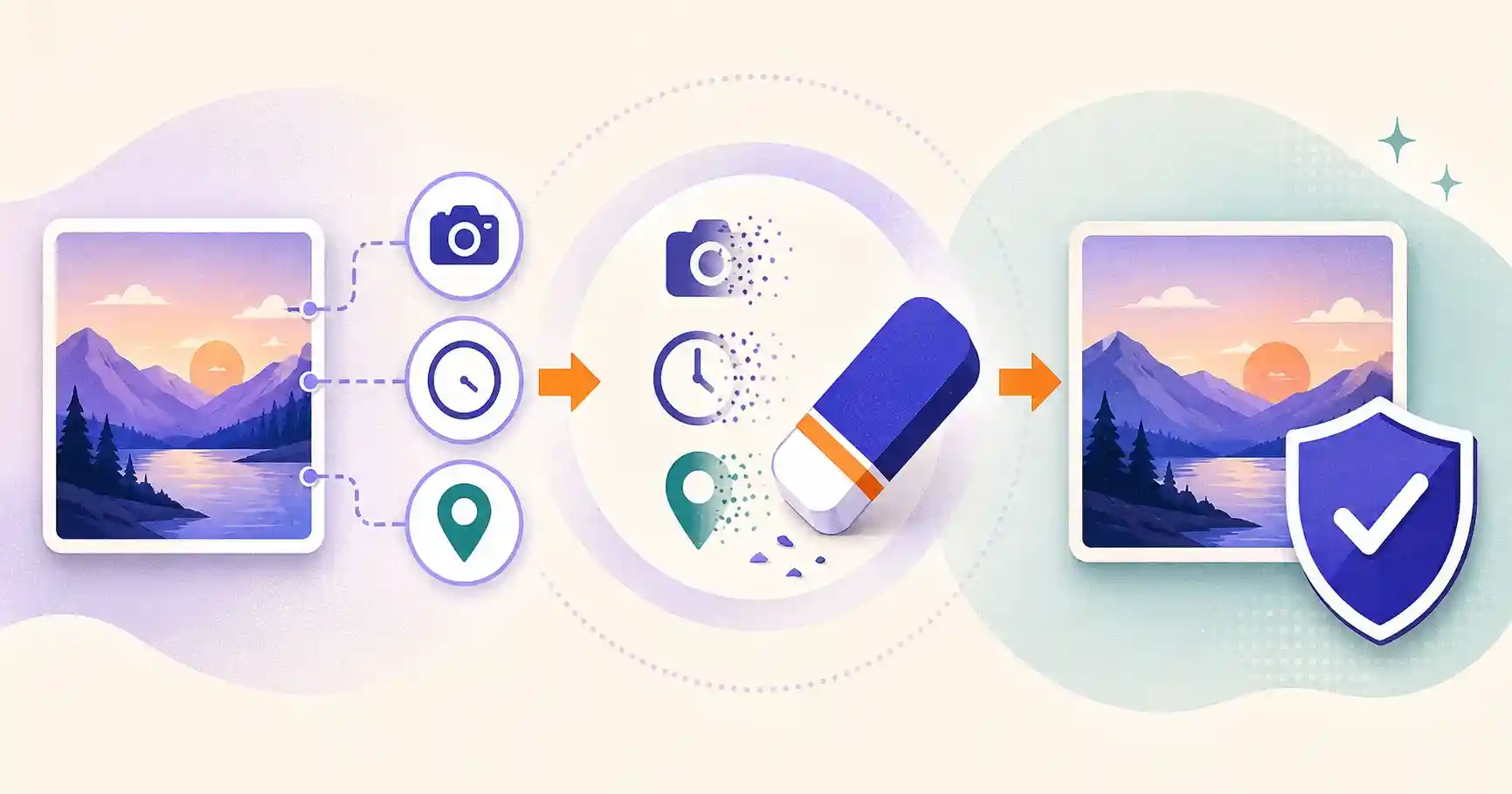
When you take a photo, your device embeds technical and personal data directly into the file header. The most sensitive fields include:
- Exact GPS coordinates: latitude, longitude, and often altitude — pinpointing where the photo was taken to within a few meters.
- Time and date stamp: the precise second the shot was captured, which reveals your routines when combined across many photos.
- Device identification: camera make, model, serial number, and software version — enough to link separate photos to the same device.
- Camera settings: focal length, ISO, aperture, shutter speed, and flash — harmless on their own but part of a detailed fingerprint.
Individually these feel innocuous. Aggregated across a photo library, they paint a startlingly complete picture of who you are, what gear you own, and where you spend your time.
The hidden privacy risks of EXIF metadata
1. Home address exposure
If you sell items on marketplaces like eBay, Facebook Marketplace, or Craigslist, photographing products at home and uploading the raw files can broadcast your home address through embedded GPS tags. Buyers — and anyone browsing — could extract it.
2. Stalking and doxxing
Posting real-time photos to public forums, blogs, or social networks lets malicious actors build a location history. Someone tracking a target can piece together home, workplace, gym, and travel patterns from timestamps and coordinates alone.
3. Business and client data leakage
For real-estate agents, commercial photographers, and journalists, un-cleaned metadata can leak confidential locations — a client's home, an unreleased product's photoshoot site, or a source's whereabouts. In sensitive fields, that is not just embarrassing; it can be dangerous or a contractual breach.
Which platforms strip metadata — and which do not
There is a common myth that "the internet removes EXIF automatically." The truth is uneven:
- Major social networks (Instagram, Facebook, X) typically strip location EXIF on upload as part of their processing.
- Classified sites, personal blogs, forums, messaging apps, and direct file shares frequently preserve the raw file, metadata and all.
- Cloud drives and email attachments almost always keep the original untouched.
The safe assumption: unless you know a platform strips metadata, assume it does not. Clean the file yourself before it leaves your device.
How to check and clean EXIF data
Method 1 — Your operating system
- Windows: right-click the photo, choose Properties, open the Details tab, and click "Remove Properties and Personal Information." You can create a copy with all metadata removed.
- Mac: open the image in Preview, go to Tools > Show Inspector, select the info ("i") tab, and remove location data.
These built-in tools work, but they are tedious for more than a couple of files and hide some fields.
Method 2 — A client-side web tool (fastest for batches)
A browser-based EXIF cleaner lets you inspect and strip metadata from many photos at once, without installing anything and without uploading the images anywhere. This is the fastest, most private option when you are preparing a batch of listing photos or clearing a whole camera roll before sharing.
Best-practice workflow before publishing photos
- Inspect first. View the metadata to see exactly what is embedded — you may be surprised.
- Strip everything you do not need. For public sharing, remove all location and device data.
- Blur any visible identifiers the metadata cannot reach — house numbers, street signs, license plates, faces, and screens in the background.
- Re-check the cleaned file to confirm the GPS and device fields are gone.
- Only then upload.
That fourth step matters: metadata removal and visible privacy are two different problems. Stripping EXIF hides where the photo was taken; blurring hides what is in the frame.
Does stripping EXIF hurt image quality?
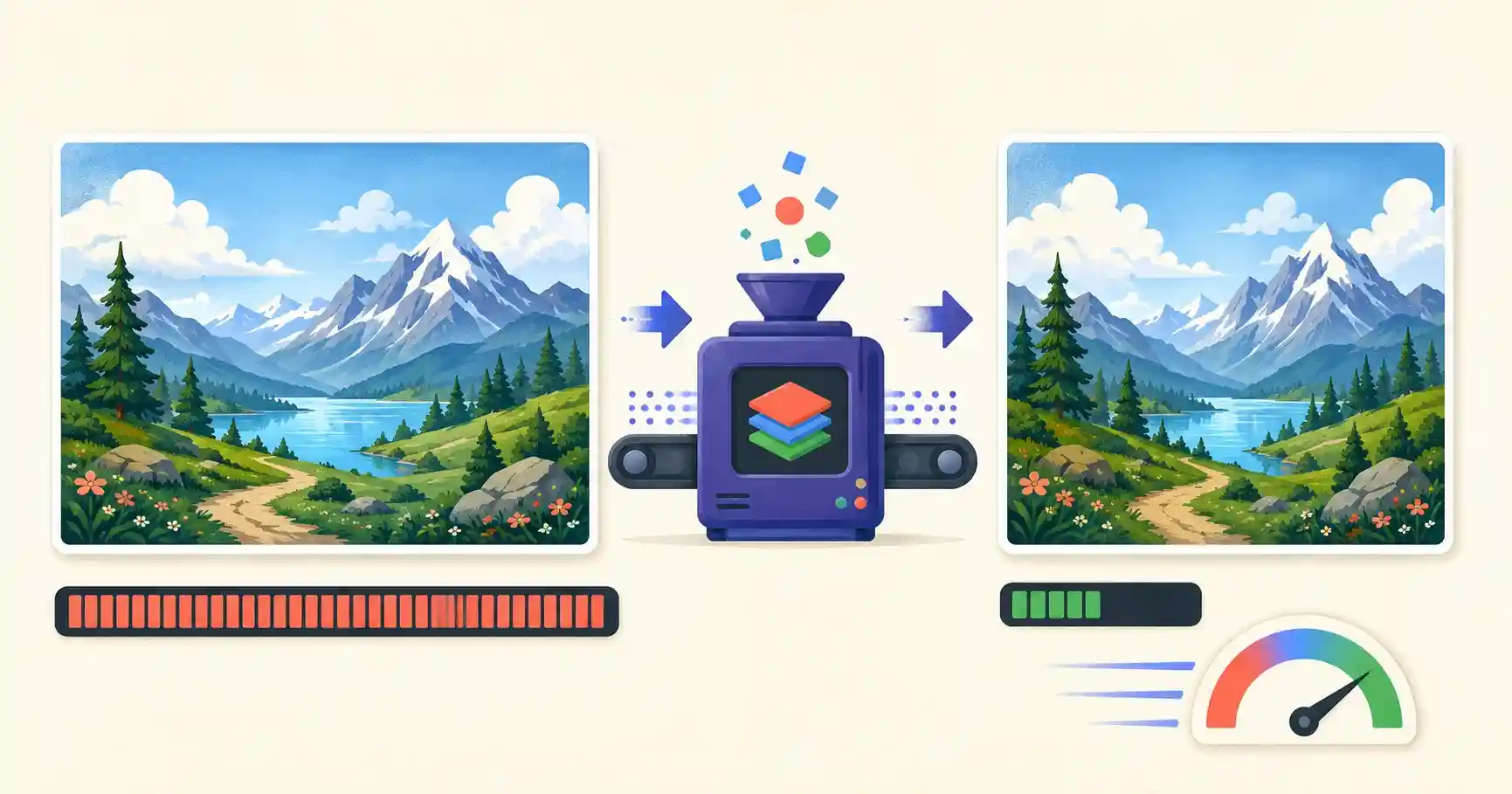
No. EXIF is textual header data stored alongside the image, not part of the pixels. Removing it deletes only that metadata block — the visual content is byte-for-byte identical. As a bonus, dropping the metadata slightly reduces file size, which is a small win for web performance.
Clean your photos for free
Protect your location data before anything goes online. The tools below process files entirely inside your browser, so your sensitive photos never touch a server.
Protect Your Privacy Before You Upload
Inspect and strip hidden data from your photos with our secure, client-side tools:
- 🧹 EXIF Cleaner: Remove hidden metadata, GPS location, and device info from photos in one click.
- 🔍 Image Metadata Viewer: Inspect the camera tags, GPS coordinates, and technical data hidden inside any photo.
- 🌫️ Image Blur Tool: Blur faces, street signs, or license plates directly in your browser.
🔒 100% client-side privacy: your sensitive photos never touch our servers. All parsing happens completely inside your web browser.
A quick self-test: what your last photo reveals
Want to see how real this is? Take any recent photo from your phone and inspect its metadata. On most devices you will find the exact latitude and longitude where it was taken, the precise timestamp, and your phone's make and model. Now imagine that photo posted to a marketplace listing, a lost-pet flyer, or a dating profile. Anyone who downloads the original file inherits that location data. Seeing it for yourself is usually the moment the abstract risk becomes concrete — and the reason to make stripping metadata a default habit rather than an occasional chore.
Metadata beyond EXIF: IPTC and XMP
EXIF gets the attention, but it is not the only hidden data in an image. Two other standards commonly ride along:
- IPTC stores descriptive fields — captions, keywords, creator name, copyright, and location names — often added by photo software or agencies.
- XMP is an extensible format that can hold editing history, ratings, and application-specific data written by tools like Lightroom or Photoshop.
A thorough cleaner removes all three, leaving only the pixels. This matters for professionals: a photo exported from editing software can carry your name, your software, and even a trail of edits you would rather not share with a client or the public.
Balancing privacy with legitimate uses of metadata
Metadata is not always the enemy. Photographers rely on EXIF to review the settings behind a great shot; archivists use IPTC to catalog images; and copyright fields help prove authorship. The right approach is contextual, not absolute: keep metadata in your private, original library where it is useful, and strip it from the copies you publish or send. Think of it like keeping the negatives while sharing prints — the master retains everything, the shared version reveals nothing you did not choose to include.
Build a pre-share routine
The most reliable protection is a habit, not a one-off. Before any photo leaves your device for a public place, run it through the same short routine: inspect the metadata, strip location and device data, blur anything identifying in the frame, and confirm the fields are gone. Once this becomes automatic it costs seconds and closes the most common accidental-doxxing vector entirely.
Key takeaways
- Photos embed hidden EXIF data, including exact GPS coordinates, timestamps, and device details.
- Raw files on marketplaces, forums, and blogs can expose your home address and routines.
- Do not assume platforms strip metadata — many preserve it, so clean files yourself.
- Metadata removal and blurring are different jobs: one hides where, the other hides what.
- Make "inspect, strip, blur, verify" a default routine before any photo goes public.
Frequently asked questions
Do Instagram and Facebook strip EXIF data?
Most major networks strip location EXIF when you upload. However, classified sites, personal blogs, messaging apps, and forums often preserve the raw metadata, so never rely on the platform to protect you.
Does stripping EXIF data reduce image quality?
No. It only deletes textual header data. The visual pixels and overall quality remain 100% untouched, and the file even gets marginally smaller.
Can I remove metadata from many photos at once?
Yes. A client-side batch tool lets you process a whole folder of images in your browser without installing software or uploading anything.
Is EXIF the only hidden data in a photo?
EXIF is the most common, but images can also carry IPTC and XMP metadata (captions, copyright, editing history). A thorough cleaner strips these too, leaving only the pixels.