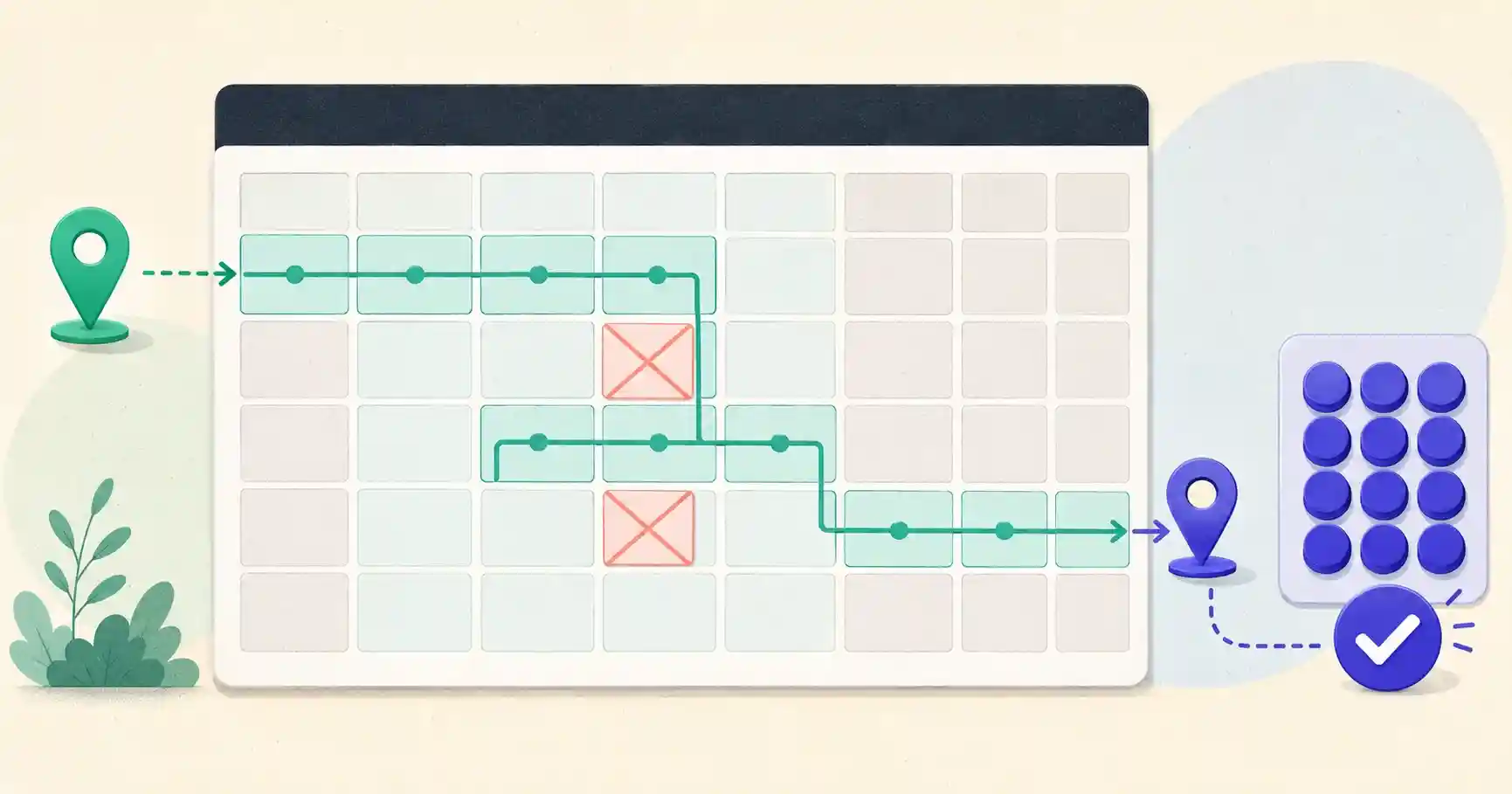
Tools used in this post
In project management, human resources, logistics, and legal work, the way you count time is not a detail — it is the difference between hitting a deadline and breaching a contract. Measure a timeline in raw calendar days and you will consistently overestimate how much working time you actually have. A schedule that reads "20 calendar days" might contain only 14 real working days once you strip out weekends, and fewer still after public holidays. Teams that plan milestones on calendar counts routinely miss deadlines and overcommit their staff without understanding why.
The fix is simple once you internalize the distinction between calendar days and business days, and then apply it consistently. This guide explains the difference, walks through the calculation, covers the industries where it matters most, and flags the mistakes that quietly derail schedules.
Quick answer: Business days are usually Monday through Friday, excluding applicable holidays. To calculate them, count the selected working weekdays in the date range, apply your start- and end-date inclusion rules, then subtract holidays that fall on working days.
Use the calculator below to count business days between two dates, or to add or subtract business days from a start date — with custom weekends and your own holiday list.
What "N business days" looks like
The table below assumes you start on a Monday, exclude the starting date, and have no holidays.
| Business days | Result |
|---|---|
| 1 | Tuesday |
| 2 | Wednesday |
| 5 | Next Monday |
| 7 | Next Wednesday |
| 10 | Monday two weeks later |
Working days vs calendar days
- Calendar days are every sequential 24-hour day on the calendar — Saturdays, Sundays, and public holidays included. This is elapsed time.
- Business working days are the days on which normal operations run — typically Monday through Friday, excluding weekends and any observed public or company holidays. This is capacity.
The two measure different things. Calendar days tell you how much time will pass; business days tell you how much work can actually get done in that window. Confusing the two is the root of most scheduling errors.
Why the difference matters, by industry
Human resources and leave tracking
Vacation allocations, sick-leave balances, and paid-time-off calculations count operational business days, not weekends. An employee who takes "one week off" is using five days of leave, not seven. Getting this wrong over-counts or under-counts entitlements and creates payroll disputes.
Legal contracts and SLA deadlines
This is where miscounting gets expensive. Contracts, escrow periods, and service-level agreements routinely specify windows in "business days." A cure period that expires because someone counted a weekend as working time can trigger a default clause or forfeit a right. In legal contexts, business-day math is not a convenience — it is compliance.
Supply chain and e-commerce shipping
When a store promises "delivery in 3 to 5 business days," it is excluding weekend freight pauses and warehouse closures. Customers who expect calendar-day delivery — and merchants who quote it carelessly — end up with complaints and chargebacks. Accurate business-day estimates set expectations correctly.
The formula
Counting business days follows a clear three-step logic:
Business days = Included calendar days − selected weekend days − holidays that fall on working days
In practice:
- Count the total calendar days between the start and end dates.
- Subtract every Saturday and Sunday that falls within the range.
- Subtract any national or regional bank holidays observed in that period.
The holiday step is where manual counting breaks down, because holidays vary by country, state, and even company. A tool that lets you enter the specific holiday dates that apply removes the guesswork.
Common scheduling mistakes to avoid
- Counting weekends as work time. For a standard five-day workweek, treating all seven calendar days as working days overstates available capacity by 40%.
- Forgetting regional holidays. A deadline that works for a US team may land on a public holiday for a colleague in another country.
- Ignoring the inclusive/exclusive question. Does "within 5 business days" start counting today or tomorrow? Contracts and HR systems differ, so define it explicitly.
- Assuming a global Monday–Friday week. Workweeks vary by country, region and employer. Some organizations use Friday–Saturday or other weekend patterns, so define working days explicitly when managing international schedules.
Inclusive vs exclusive counting
One subtlety trips people up constantly: do you count the start day itself? Many date calculations exclude the start date, while other systems count one or both endpoints. Contracts, HR systems and service agreements may use different conventions, so define the rule explicitly before setting a deadline. What matters is that everyone on a project agrees which convention they are using before deadlines are set.
Calculate dates and schedules instantly
Stop counting squares on a desk calendar and second-guessing holidays. These tools handle weekends and custom holidays for you, in your browser.
Count Working Days the Reliable Way
Plan deadlines and schedules accurately with our free, client-side date tools:
- 🗓️ Working Days Calculator: Count exact working days between two dates, excluding weekends and the holidays you choose.
- 📆 Date Difference Calculator: Measure total elapsed years, months, weeks, and days between two dates.
- ➕ Days Between Dates: Count the raw calendar days between any two dates in a click.
🔒 100% client-side privacy: all date logic runs entirely inside your browser session. No schedule data is transmitted externally.
Adding business days to a start date
Counting the days between two dates is only half the job; the other half is projecting forward — "if a task starts today and takes 10 business days, when is it due?" This is where manual counting really breaks down, because you have to skip weekends and holidays as you go. The logic is: step forward one calendar day at a time, and only decrement your remaining count on a working day. Land on a Saturday, Sunday, or holiday, and you skip it without spending a day. For a 10-business-day task starting on a Wednesday, you will typically finish about two calendar weeks later, not ten days later. Getting this right is what separates a delivery promise you can keep from one that quietly slips.
Holidays: the variable that defeats simple math
Weekends are predictable; holidays are not. They vary by country, by state or province, and even by company, and some shift each year (holidays that fall on a weekend may be "observed" on the adjacent Monday). A US federal calendar differs from a UK bank-holiday calendar, which differs again from a company that closes for a week in summer. This is exactly why a hardcoded formula fails in practice and why a tool that lets you enter the specific holiday dates that apply to your team or contract is so valuable.
Documenting your assumptions
Because business-day counting has so many local conventions — which weekend, which holidays, inclusive or exclusive — the professional habit is to state your assumptions wherever deadlines matter. A contract that says "within 10 business days (Monday–Friday, excluding US federal holidays, not counting the start date)" leaves no room for a costly dispute. The same clarity helps internally: a project plan that spells out its working-day assumptions prevents two teammates in different countries from calculating two different due dates. The calculation is only as reliable as the shared definition behind it, so write the definition down.
Business days in Excel or Google Sheets
For a one-off count, a spreadsheet formula is often quickest. Both Excel and Google Sheets provide NETWORKDAYS:
=NETWORKDAYS(A2, B2, C2:C20)
A2 is the start date, B2 is the end date, and C2:C20 holds your holiday dates. NETWORKDAYS counts Monday–Friday and excludes any holidays you supply. For a custom weekend pattern — say Friday–Saturday — use NETWORKDAYS.INTL with a weekend code:
=NETWORKDAYS.INTL(A2, B2, weekend_code, C2:C20)
Microsoft's documentation confirms that NETWORKDAYS excludes weekends and supplied holidays, while NETWORKDAYS.INTL supports custom weekend patterns. The calculator above applies the same logic without a spreadsheet.
Sources and verification
Business-day definitions and deadline-counting rules vary by contract, employer and jurisdiction. Confirm the governing rule when a legal, financial or compliance deadline is involved.
- Microsoft — NETWORKDAYS function
- Google Sheets — NETWORKDAYS function
- U.S. Office of Personnel Management — Federal holidays
Last verified: August 2026.
Key takeaways
- Calendar days measure elapsed time; business days measure actual working capacity — never confuse the two when planning.
- Subtract weekends and the specific holidays that apply to your region or company.
- Decide up front whether counting is inclusive or exclusive of the start date, and document it.
- Not every country uses a Saturday–Sunday weekend; adjust for international teams.
- Use a tool where you enter the specific holiday dates that apply, for both counting between dates and projecting deadlines forward.
Frequently asked questions
Does a working-day calculation include both the start and end date?
Many systems count the time between the dates and exclude the start day, so "5 business days" begins the next working day. Others, such as some HR timesheets, count one or both endpoints. Define which convention you are using up front.
How do international workweeks affect the calculation?
Workweeks vary by country, region and employer — some use Friday–Saturday or other patterns. Always define which days you treat as the weekend when managing cross-border teams or contracts.
How do I handle public holidays?
Subtract them in addition to weekends. Because holidays differ by country and region, use a tool that lets you select the specific holidays that apply to your location or business.
Why does my project always run late even when I hit calendar deadlines?
You are probably planning in calendar days but working in business days. A "two-week" window is only about ten working days — plan against capacity, not elapsed time.